

Latest Version
Stargate Software
Design
Windows
Free
9p9dqczgl3rs
Report a Problem
More About Diagram Editor Pro: Vector Diagram Editor for MS Visio
If you need to handle technical layouts or modify legacy business schematics on Windows, the Diagram Editor Pro vector diagram editor offers a practical, lightweight alternative to expensive proprietary suites.
Developed by Stargate Software, this design application targets professionals and everyday users who need to draft, modify, or view structured visual data without being locked into costly subscription models.
What Can You Actually Do with the Diagram Editor Pro Vector Diagram Editor?
Instead of just viewing static files, this software gives you active editing control over complex structural layouts. Here is a breakdown of the practical tasks you can achieve:
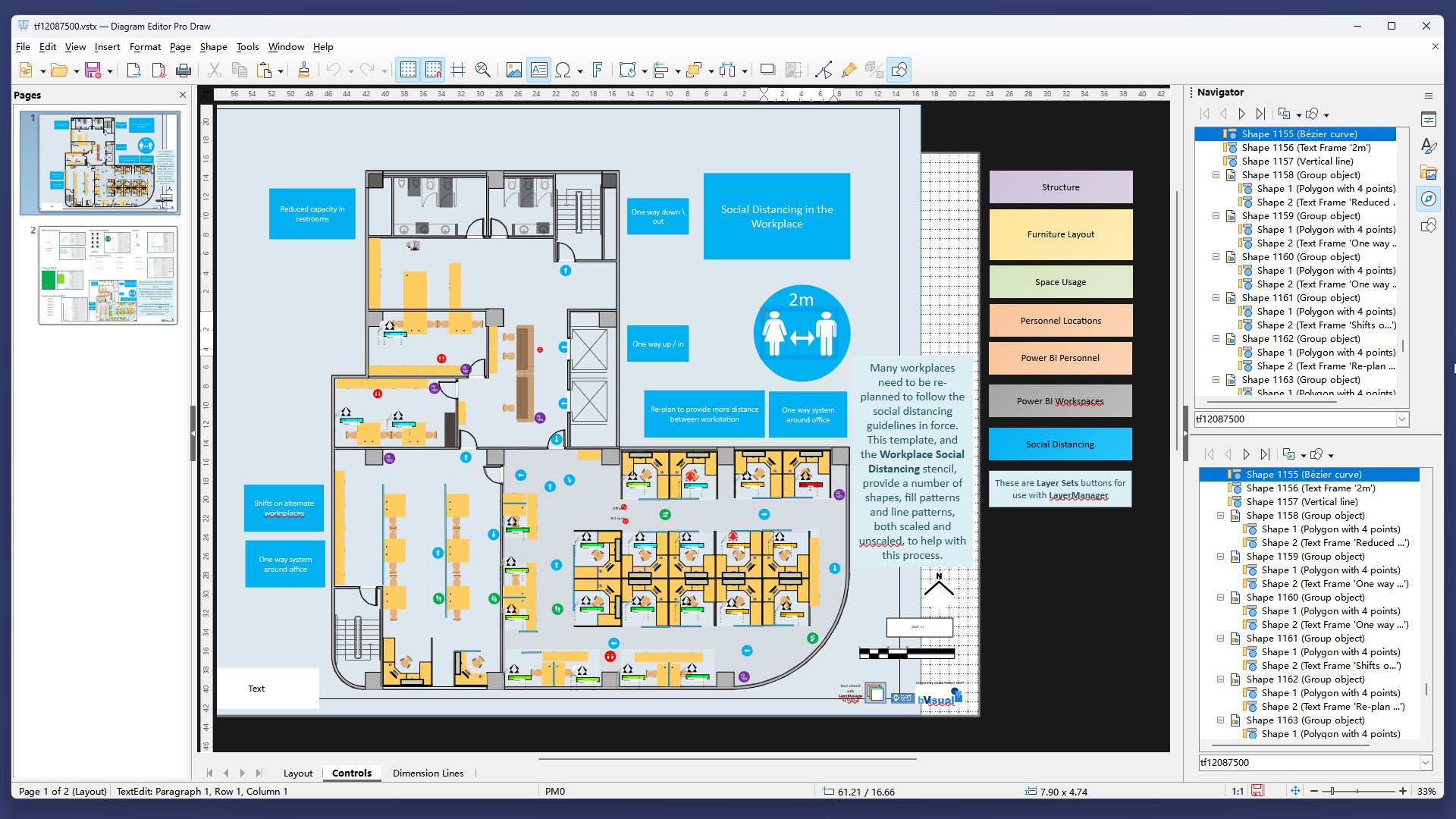
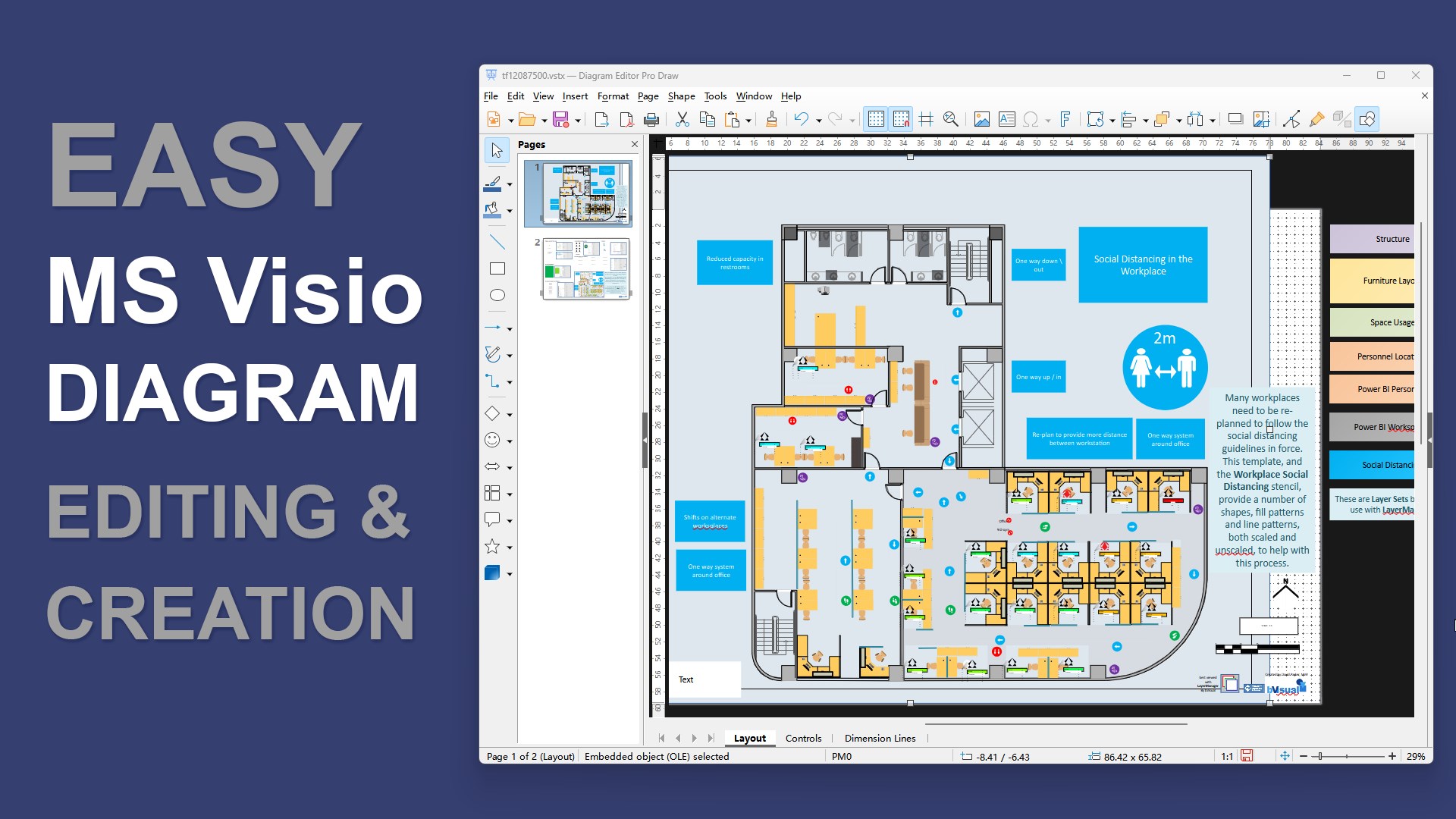
- Modify Technical Files: Open and edit vector diagrams compatible with formats used by Microsoft Visio (.vsd, .vsdx, .vst, .vstx) as well as OpenDocument Drawing formats (.odg, .otg, .fodg). Note that Visio files can be viewed and edited with some limitations, and you can save your final progress as an .odg file.
- Draft Business Visuals: Build clean, professional flowcharts, organizational charts, and network maps from scratch.
- Precise Alignments: Use native grid snapping, object connectors, layers, and dedicated shape libraries to ensure your technical drawings remain structurally aligned and easy to read.
- Incorporate Rich Media: Easily insert text blocks, external images, and custom vector objects directly into your active canvas.
- Export and Share: Convert your finished projects into highly compatible formats such as PDF, SVG, EPS, or raster images like PNG and JPEG for seamless distribution.
Understanding the Licensing Model
Stargate Software provides a flexible entry point for testing the application. The software features a 3-day trial that unlocks complete functionality. Once this trial period expires, the application transitions into a free viewer. In this unpaid state, you can still open files, view diagrams, and explore the editing canvas. To unlock saving, printing, and exporting features (such as Save, Save As, Print, and Export to PDF), a premium license upgrade is required.
Who is This Diagramming Solution For?
This tool is ideal for IT administrators mapping out network topologies, project managers designing workflow charts, and system architects who occasionally need to inspect or adjust Visio files without paying for enterprise-tier software. Because it runs locally on Windows, it provides a stable environment for offline drafting tasks.
Verdict: A Practical Alternative for Vector Design
The Diagram Editor Pro vector diagram editor strikes a solid balance between utility and accessibility. It eliminates the need for high-priced vector software for users who primarily need to view, tweak, and export diagrams on a budget.
If you are ready to test its grid alignment tools, shape libraries, and format compatibility, head over to the official Microsoft Store to explore the Diagram Editor Pro vector diagram editor on your Windows device.
Rate the App
User Reviews





Popular Apps










Editor's Choice